
There are two ways to change the password you use at cp.cloudtria.com.
From the client area
This works even if you have forgotten the current password. Open your hosting service and click Change Password. See full steps.
From the control panel
- Log in to the control panel.
- Click your name at the top right and choose My Profile.
- Under Plesk Preferences, enter your old password, then the new one twice.
- Click OK.
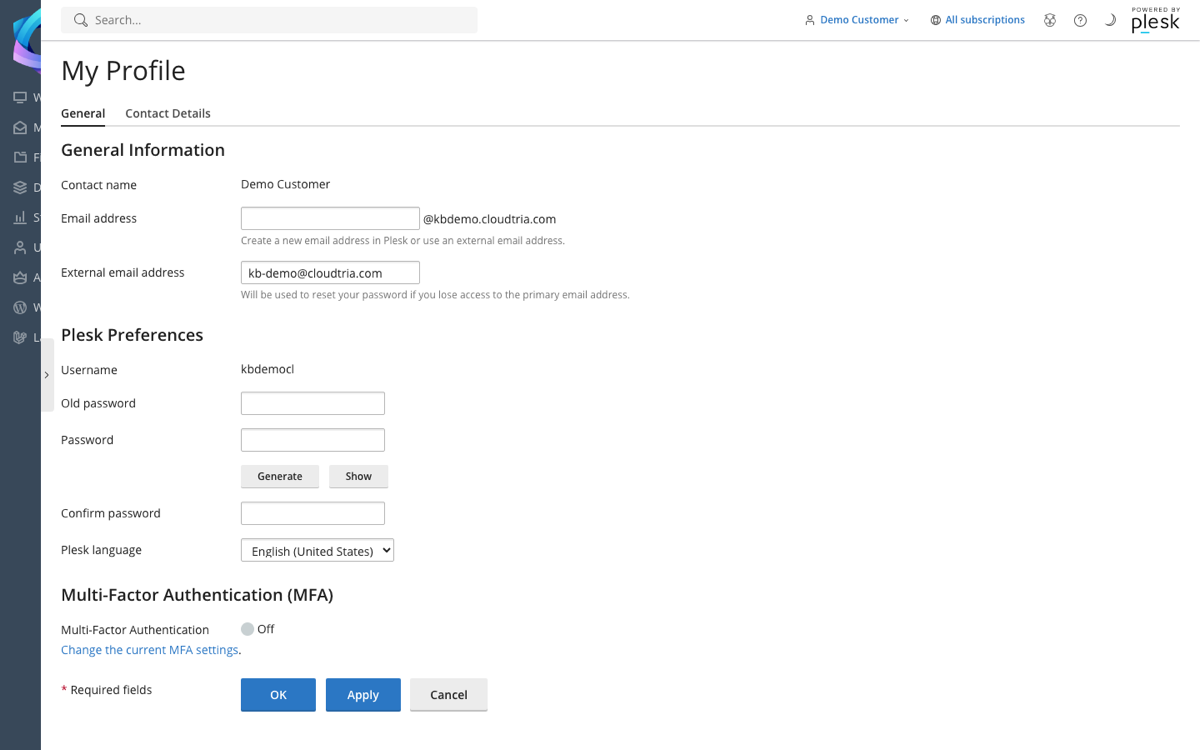
On the same page, turn on Multi-Factor Authentication to protect direct logins with a code from your phone.