
You can check your disk space and bandwidth in the client area, or see a detailed breakdown in the control panel.
In the client area
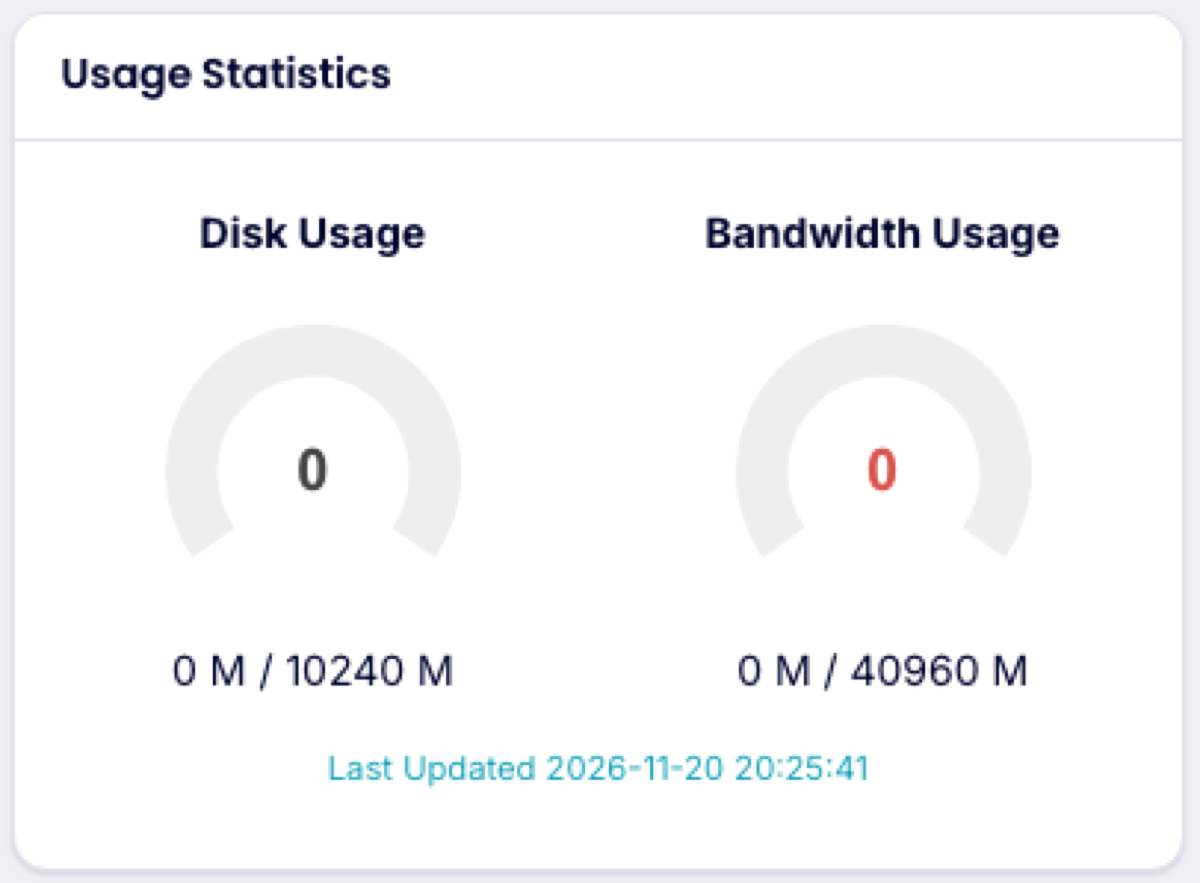
Open your hosting service from Services → My Services. Usage Statistics shows disk and bandwidth used. These figures update a few times a day.
In the control panel
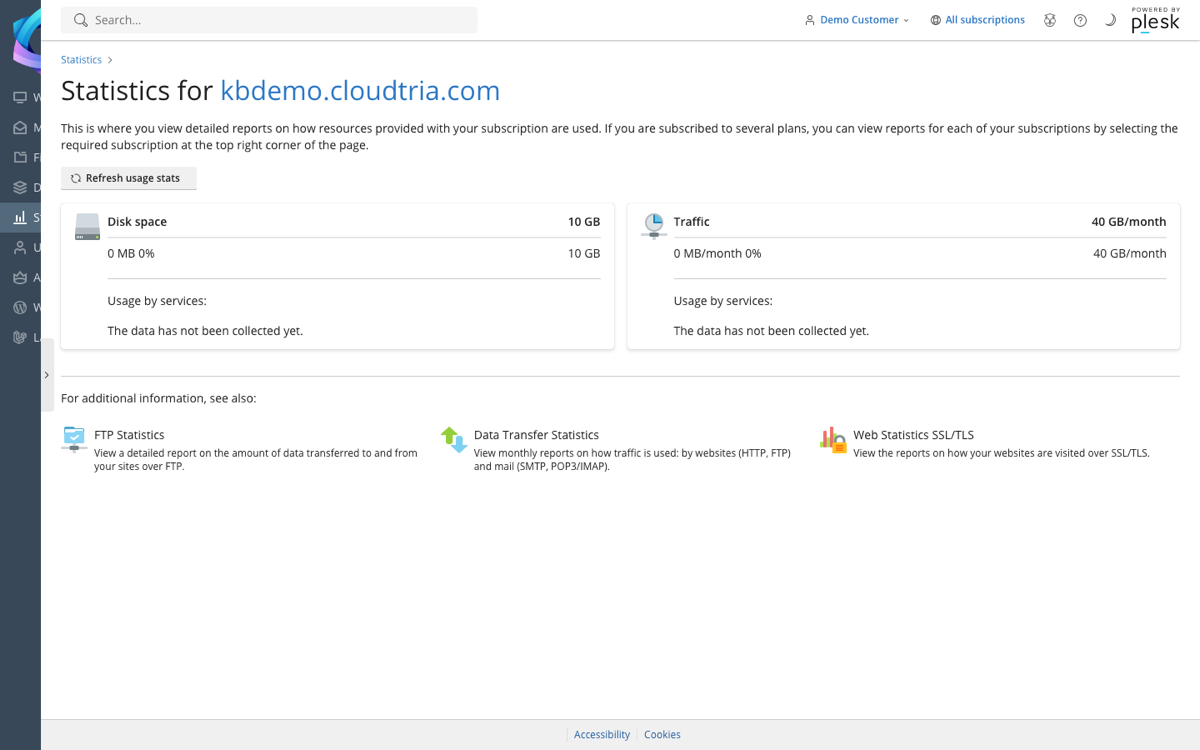
- On your service page, click Statistics under Quick Shortcuts.
- The page shows disk space and traffic used against your plan's limits, broken down by website, email and databases.
Running low?
- Empty large mailboxes, or set up your email app to delete messages from the server.
- Delete old backups you have downloaded elsewhere.
- Add extra disk space from Addons and Extras, or upgrade your plan.