
Filters sort your mail automatically, for example moving newsletters into their own folder. They run on the server, so they work on every device.
- Log in to webmail.
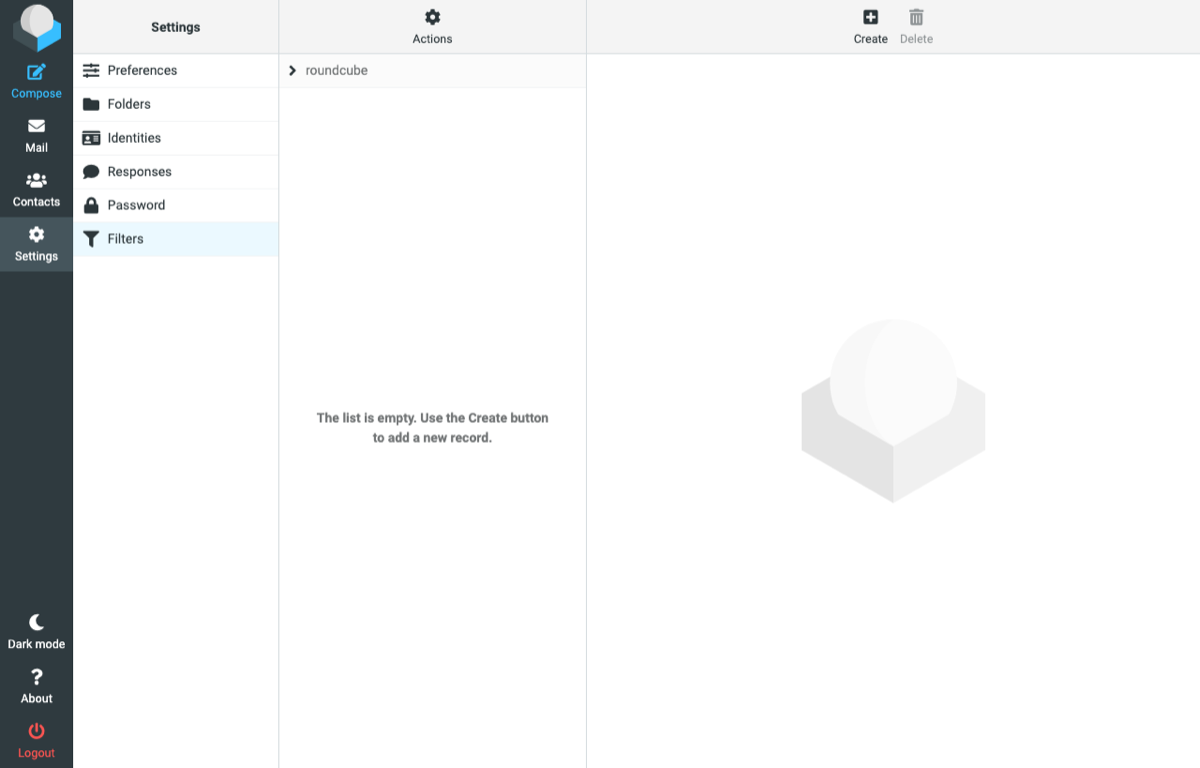
- Click Settings, then Filters.
- Click Create.
- Name the filter and set the rule, for example From contains newsletter@example.com.
- Choose the action, for example Move message to a folder.
- Click Save.
Create folders first under Settings → Folders.