
Add a new card, or remove an old one, from the client area. Saved cards are used to pay renewals automatically.
- Log in to the client area.
- Click your name at the top right and choose Payment Methods.
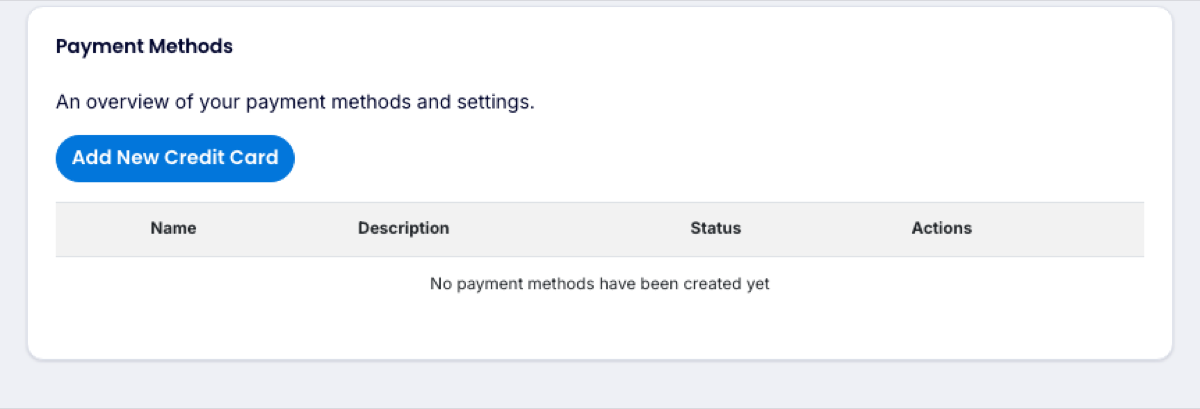
- Click Add New Credit Card and enter the card details.
- To stop using an old card, click Delete next to it.
To change the name or address shown on invoices, update your account details.