
Keep your contact details up to date so invoices, renewal reminders and service notices reach you.
- Log in to the client area.
- Click your name at the top right and choose Account Details.
- Update your name, company, email address, phone number or postal address.
- Under Email Preferences, choose which emails you want to receive.
- Click Save Changes.
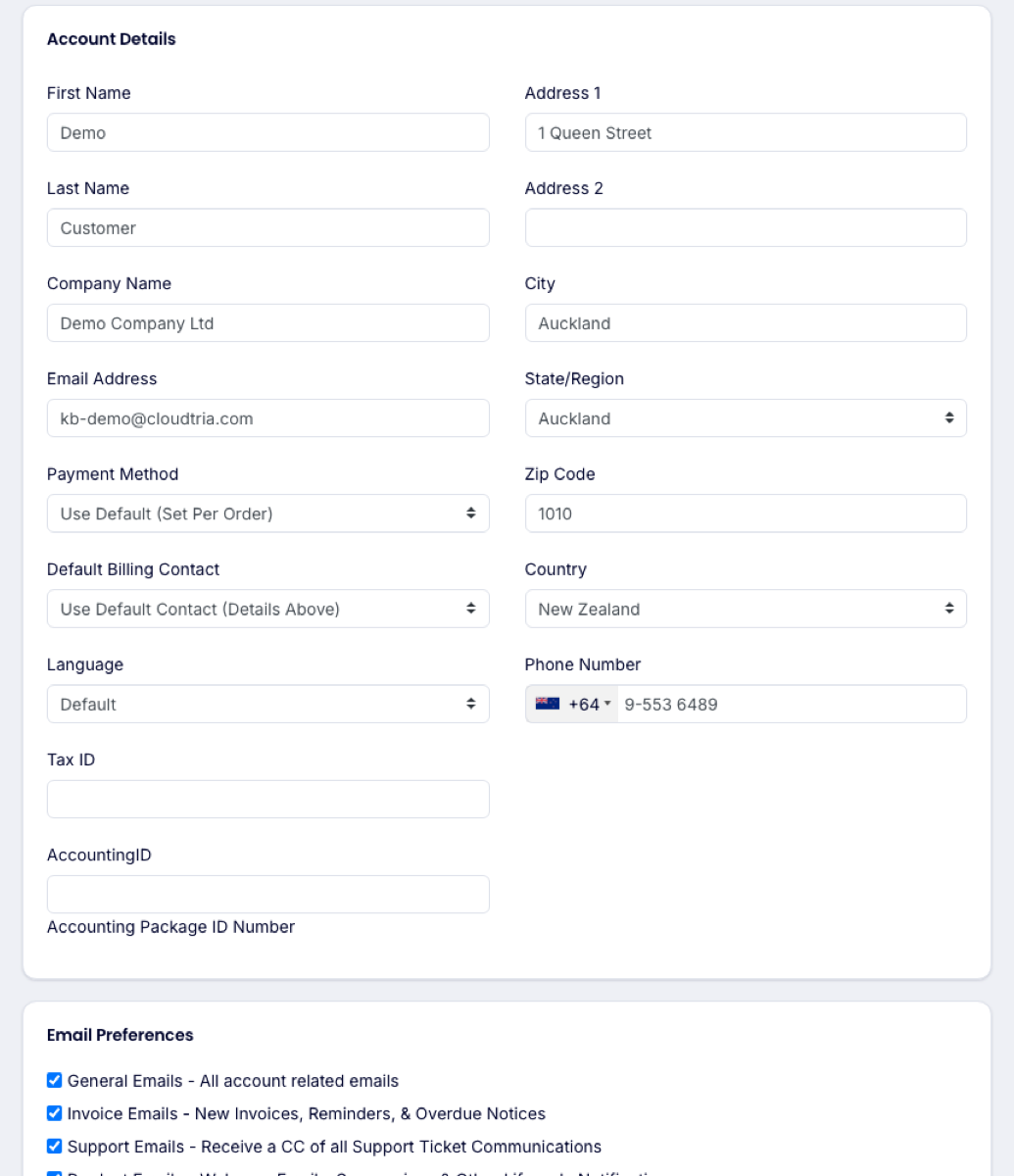
Changing the email address here changes where we send account emails. To let a colleague manage the account with their own login, invite them as a user instead.
Domain owner details (the registrant contact) are separate. Change them from Domains → My Domains, then the domain's Contact Information.